Your Home Manual
A house remembers nothing.
Your Home Manual does.
Every registered address receives a Home Passport: a private, permanent record of the house you actually own: what’s installed, what’s under warranty, and who serviced what and when. It grows as you live in the home, and it goes with the home when you sell it.
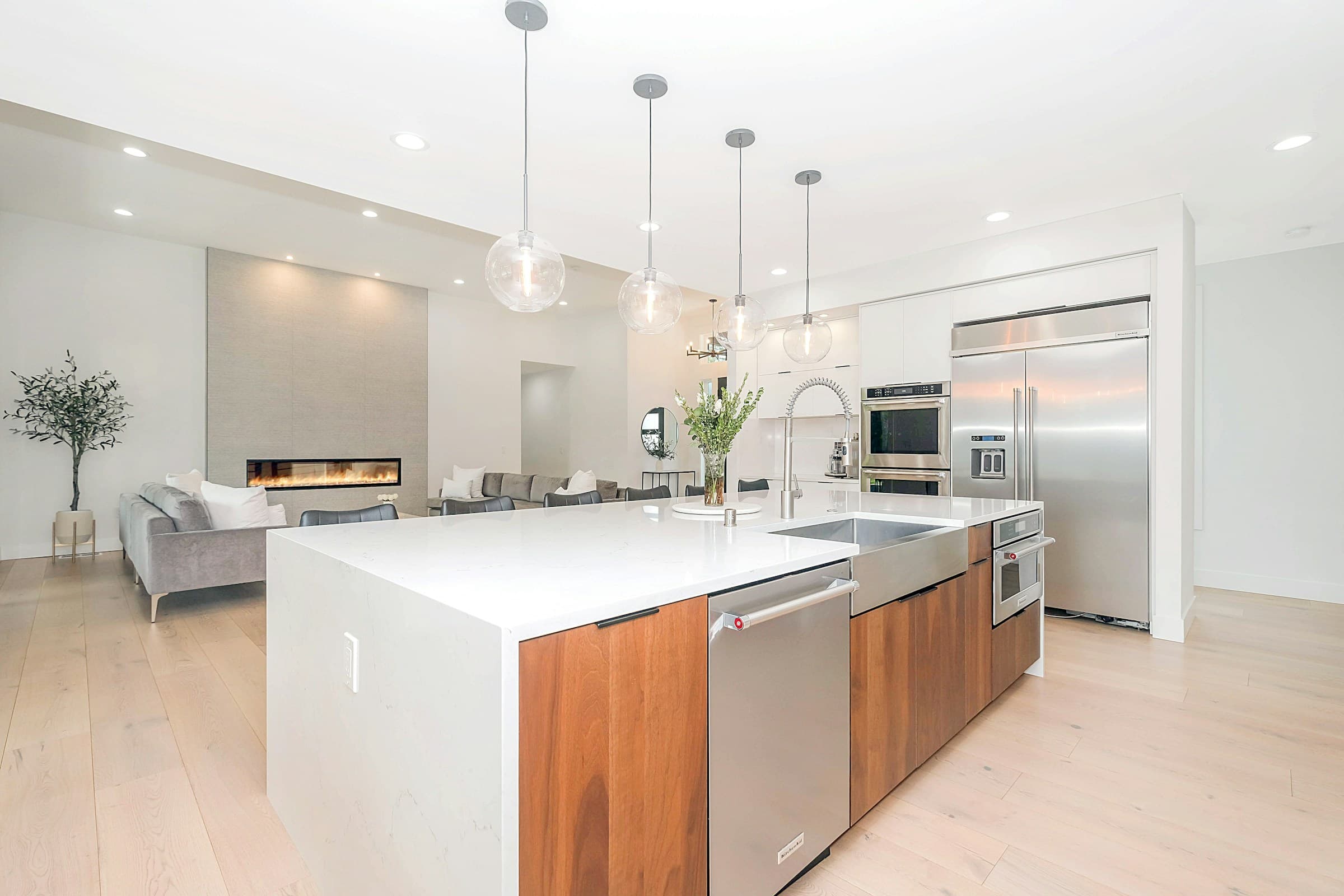
One address, one Home PassportBuilt over years, not an afternoonTransfers with the home at sale
The problem
The manual you threw away.
Most of what you need to know about your home lives nowhere in particular. It’s scattered across old emails, a drawer of appliance manuals, a text thread with an electrician, and a folder you meant to make and never did.
- The manual that went in the recycling during the move.
- The paint color nobody wrote down, so every touch-up is a guess.
- The model number on a sticker behind an appliance nobody wants to pull out.
- The contractor's invoice, buried three scrolls deep in an inbox from two years ago.
- The warranty that quietly expired because no one was tracking it.
- The plumber's number, saved in a phone that isn't yours anymore.
Inside your Home Passport
Everything about the house, in one place.
Eight modules cover what an owner actually needs to track. Each one grows as you use it.
Home Overview
The address, the year built, the lot, the structure, the baseline facts about the property itself.
Learn moreHome Systems
HVAC, water heater, electrical panel, roof, plumbing, what's installed, its age, and its service history.
Learn moreMaintenance
What's due, what's overdue, and what was already done, on an actual schedule instead of a guess.
Learn moreDocuments
Manuals, warranties, permits, inspection reports, and receipts, stored where you can find them again.
Learn moreTrusted Vendors
The plumber, electrician, and HVAC company who already know this house, kept on file instead of in a group text.
Learn moreHome Inventory
Appliances, fixtures, and major purchases, with model numbers and dates recorded once and kept.
Learn moreAsk Astra
A plain-language question, answered from this home's own records, with the source shown.
Learn moreTransfer Home
When you sell, the record can move with the house, on terms you set.
Learn more
Astra Intelligence
Ask your home a question.
Every new Home Passport includes Astra Intelligence, the AI layer built by Werner Harmonic Labs, for a full year, renewing at $249 a year on Home Passport and $495 a year on Estate Passport after the included period. Ask a plain question and get an answer sourced from this home’s own records, not a guess, and not a generic article.
“What HVAC filter does this home use, and when was it last replaced?”
The downstairs system uses a 20 × 25 × 1 filter. The most recent replacement was recorded on May 12. The next replacement is recommended this month.
Source · Home Systems, HVAC (Downstairs)
Available today
- Typed questions, answered from this home's own records, with the source shown.
- Finding manuals, receipts, warranties, and service records.
- Confirming model numbers, filter sizes, dates, and maintenance history.
- Low-risk maintenance guidance, explained in plain language.
- Clear warnings to stop and call a licensed professional, when that's the right answer.
- Voice input
- Photo upload
- Asking about a specific document
- Comparing across multiple properties
Access & privacy
You control who gets in.
Every registered address receives one secure Home Passport. The current homeowner controls access and can invite household members, trusted professionals, and future owners when appropriate.
Records are private by default. Nothing is visible to anyone you haven’t invited.
Household members
The people who live in the home with you.
Trusted professionals
A contractor, agent, or vendor you choose to let in, for as long as you choose.
Future owners
The next owner, when you decide the time is right.
When you sell
The record moves with the home.
A Home Passport doesn’t end at closing. When you sell, the record can be securely transferred to the next owner. You choose what’s included, and you stay in control of anything private until you decide to hand it over.
See how transfer worksGetting started
What setup actually looks like.
A Home Passport is built over time, not filled out in one sitting. Here’s the honest version of how it starts.
Create an account
Set up your Home Handoff account with an email and a password.
Register your address
Tell us which property this Home Passport is for.
Confirm the property details
Verify the basics: address, structure, year built, so the record starts accurate.
Add systems and documents over time
Upload manuals, log service visits, and fill in what you know as you go. Most homeowners build it up over months, not one sitting.
Most of the value comes later: after a service visit is logged, a manual is uploaded, or a question gets answered from a record you added months ago.